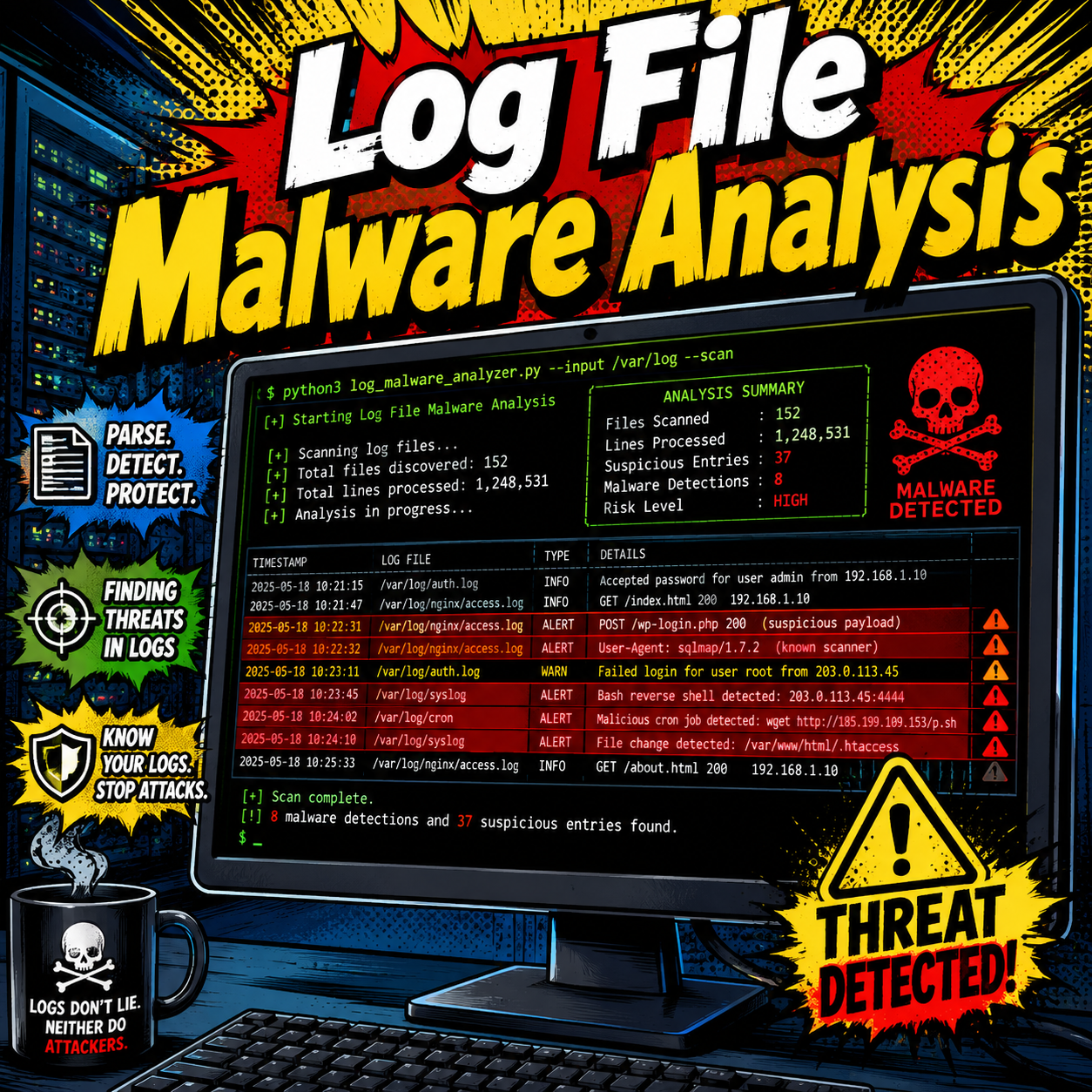
log_analyser_v5.py is a simple single-file Python script for reviewing WordPress web server access logs. It scans Apache-style access logs and highlights requests that match common indicators of suspicious or hostile activity.
The script is intentionally small and easy to inspect. It does not require external Python libraries, does not need a database, and writes its reports into the same folder as the logs being analysed.
What the Script Does
log_analyser_v5.py walks through the folder where the script is located and scans files ending in .log. For each matching Apache-style access log entry, it checks the requested URL against a short list of security rules.
When a rule matches, the script records the finding with a severity, rule ID, explanation, recommended action, source log file, line number, IP address, request method, status code, and URL.
- It scans local
.logfiles. - It looks for common WordPress attack patterns.
- It writes a readable text report.
- It writes a pipe-separated values report for spreadsheet use.
- It uses rule IDs so findings can be tracked consistently.
Rules Included in Version 5
| Rule ID | Severity | Finding | What it means |
|---|---|---|---|
| CR001 | Critical | PHP executed from uploads | A .php file was requested from /wp-content/uploads/. Upload folders are usually writable and should not contain executable PHP. |
| CR002 | Critical | Known web shell | The requested URL ends with a filename commonly associated with web shells, such as wso.php, c99.php, r57.php, or shell.php. |
| HI001 | High | Log4Shell probe | The requested URL contains jndi or ldap://, which are strings commonly used in Log4Shell exploit probes. |
| HI002 | High | Sensitive file probe | The request attempts to access sensitive files such as .env or .git/config. |
| HI003 | High | Path traversal | The URL contains traversal patterns such as ../ or %2e%2e, which may indicate an attempt to reach files outside the intended web path. |
| ME001 | Medium | XML-RPC | The request targets /xmlrpc.php, a WordPress endpoint often targeted for brute-force or automated abuse. |
| ME002 | Medium | WordPress login | The request targets /wp-login.php, the standard WordPress login page. |
Known Safe Path Handling
Version 5 includes a known safe path list for the web shell rule. The following WordPress core path is ignored by the known web shell check:
/wp-includes/text/diff/engine/shell.phpThis matters because the filename shell.php can look suspicious in isolation, but this specific path exists in WordPress core and should not be treated the same way as a random uploaded shell file.
How to Use It
Download the script and place it in the same folder as the log files you want to analyse.
Run it with Python 3:
python log_analyser_v5.pyOn some systems, you may need to run:
python3 log_analyser_v5.pyThe script prints the folder being scanned and then writes the report files into that same folder.
Input Log Format
The script is designed for Apache combined-style access logs. A typical line looks like this:
203.0.113.10 - - [20/Jul/2026:12:34:56 +0000] "GET /wp-login.php HTTP/1.1" 200 1234 "-" "Mozilla/5.0"Only lines that match the expected access log pattern are analysed. Lines that do not match are skipped.
Output Files
The script creates two output files:
log_analysis_report.txt– a human-readable report for review.log_analysis_report.psv– a pipe-separated report suitable for spreadsheet import or further processing.
The PSV report uses | as the separator and includes the Rule ID as the first column.
Interpreting the Text Report
The text report starts with a summary. This gives a quick count of each finding type grouped by severity.
SUMMARY
------------------------------------------------------------------------
CRITICAL      2  PHP executed from uploads
HIGH          5  Sensitive file probe
MEDIUM       18  WordPress login
After the summary, detailed findings are grouped by severity. Each finding includes the rule ID, source file, line number, IP address, URL, details explaining why the rule matched, and a suggested action.
Rule ID : CR001
Finding : PHP executed from uploads
Date    : 20/Jul/2026 12:34:56 +0000
File    : access.log
Line    : 42
IP      : 203.0.113.10
Method  : GET
Status  : 200
URL     : /wp-content/uploads/example.php
Details : The URL starts with /wp-content/uploads/ and ends with .php, indicating that a PHP file was requested from the writable uploads folder.
Action  : Verify the file exists and identify which plugin created it.
How to Read the Severity Levels
Critical findings should be investigated first. These may indicate a PHP file running from uploads or a request for a known web shell filename. Check whether the file exists on the server, when it was created, and whether it is legitimate.
High findings usually indicate active probing or exploit attempts. These do not always mean the site was compromised, but they show that the site was targeted for specific weaknesses.
Medium findings often show common WordPress attack surface activity, such as login page requests or XML-RPC access. A few entries may be normal. Large volumes from the same IP address may suggest brute-force or automated scanning.
Practical Investigation Steps
- Review all critical findings first.
- Check whether any suspicious PHP files actually exist on the server.
- Look at repeated requests from the same IP address.
- Compare suspicious timestamps with file modification times on the server.
- Confirm whether requests returned successful status codes such as
200. - Review WordPress users, plugins, themes, and recent file changes if critical findings are present.
Limitations
This script is a triage tool. It identifies suspicious access log entries, but it does not prove compromise by itself. A request for a suspicious URL may have failed, may have returned a 404, or may simply show automated internet scanning.
The most important results are usually critical findings with successful status codes, repeated activity from the same IP address, or requests that match files present on the server.
Download and Source Code
You can download the script directly here:
The GitHub repository is available at https://github.com/jcamp/logfile_malware_analyser.